 silviazhao
c3432a196d
silviazhao
c3432a196d
[web] fix:aegis url & upload: adv price

Co-authored-by: silviazhao <silviazhao@tencent.com>
English | 简体中文
The web demo is implemented based on the IM TUIKit. TUIKit provides features such as management of conversations, chats, groups, and profiles. With TUIkit, you can quickly build your own business logic.
Demo UI
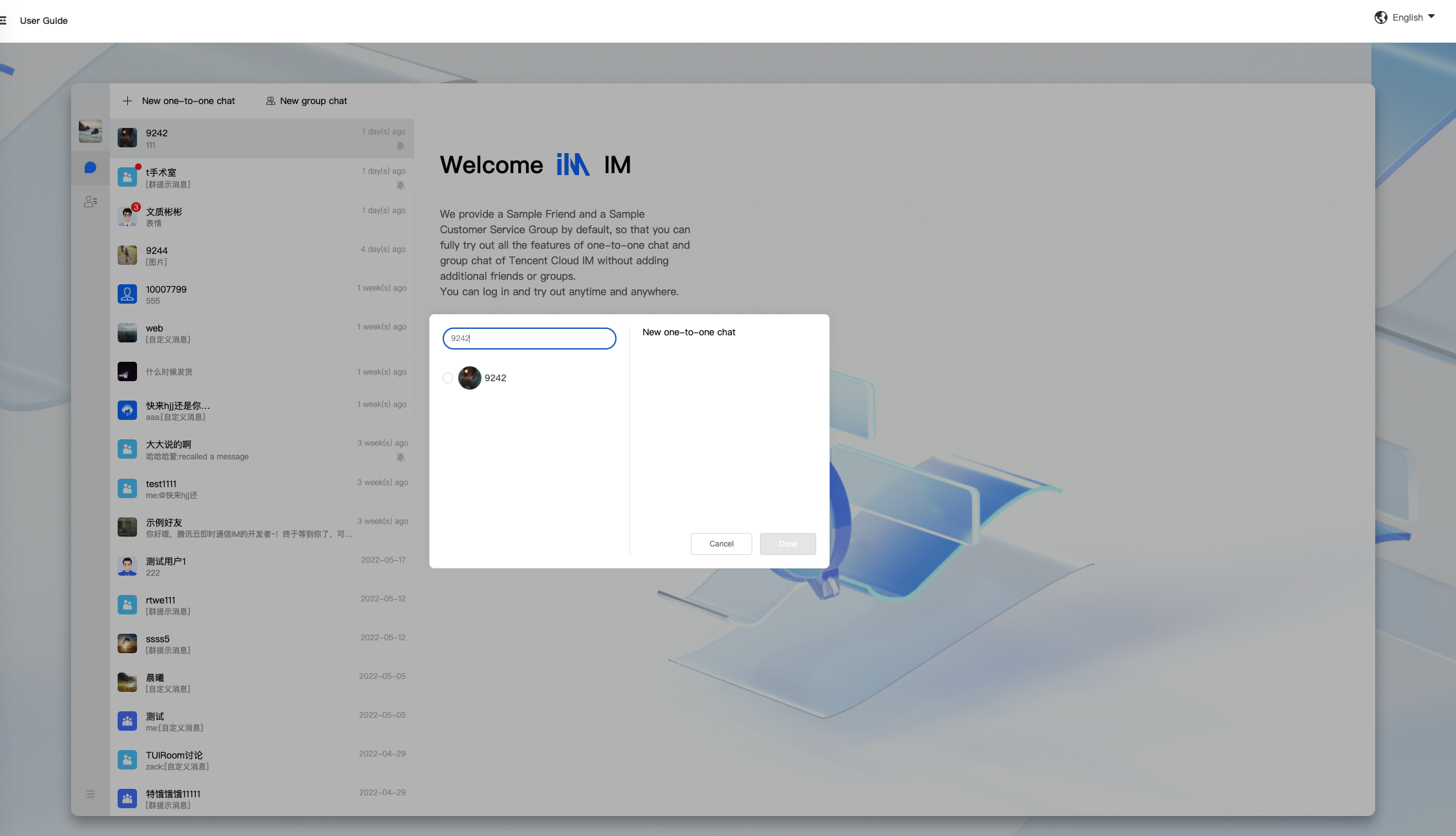
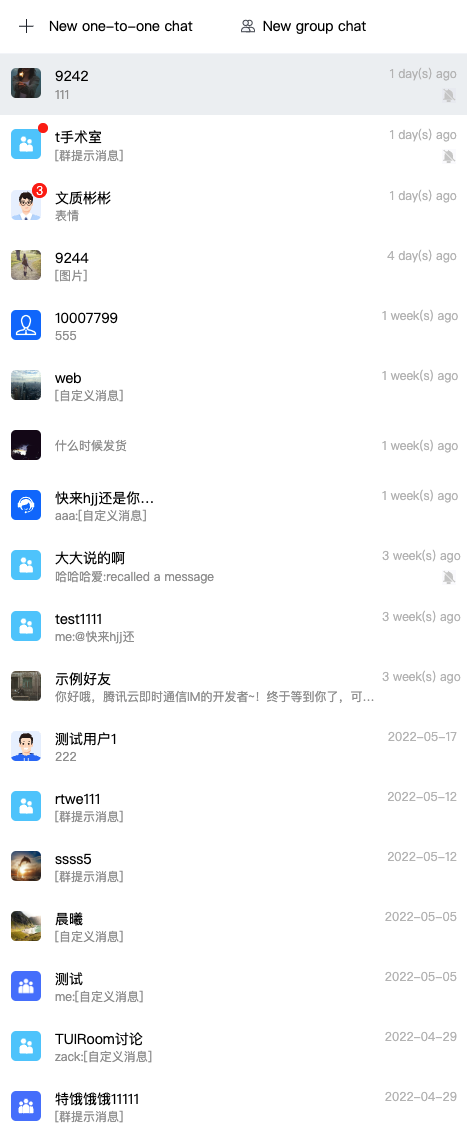
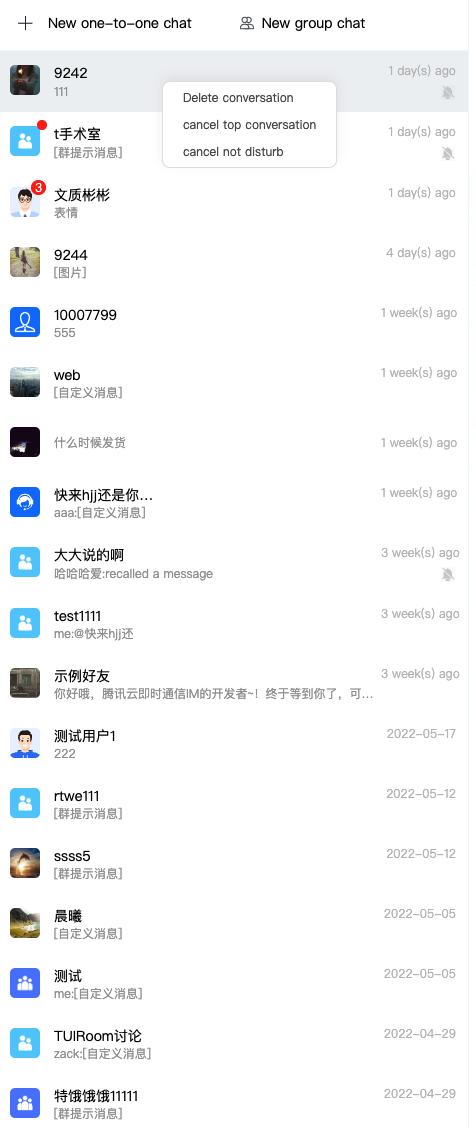
Conversation management
| Initiate a Conversation | Conversation List | Manage the Conversation List |
|---|---|---|
 |
 |
 |
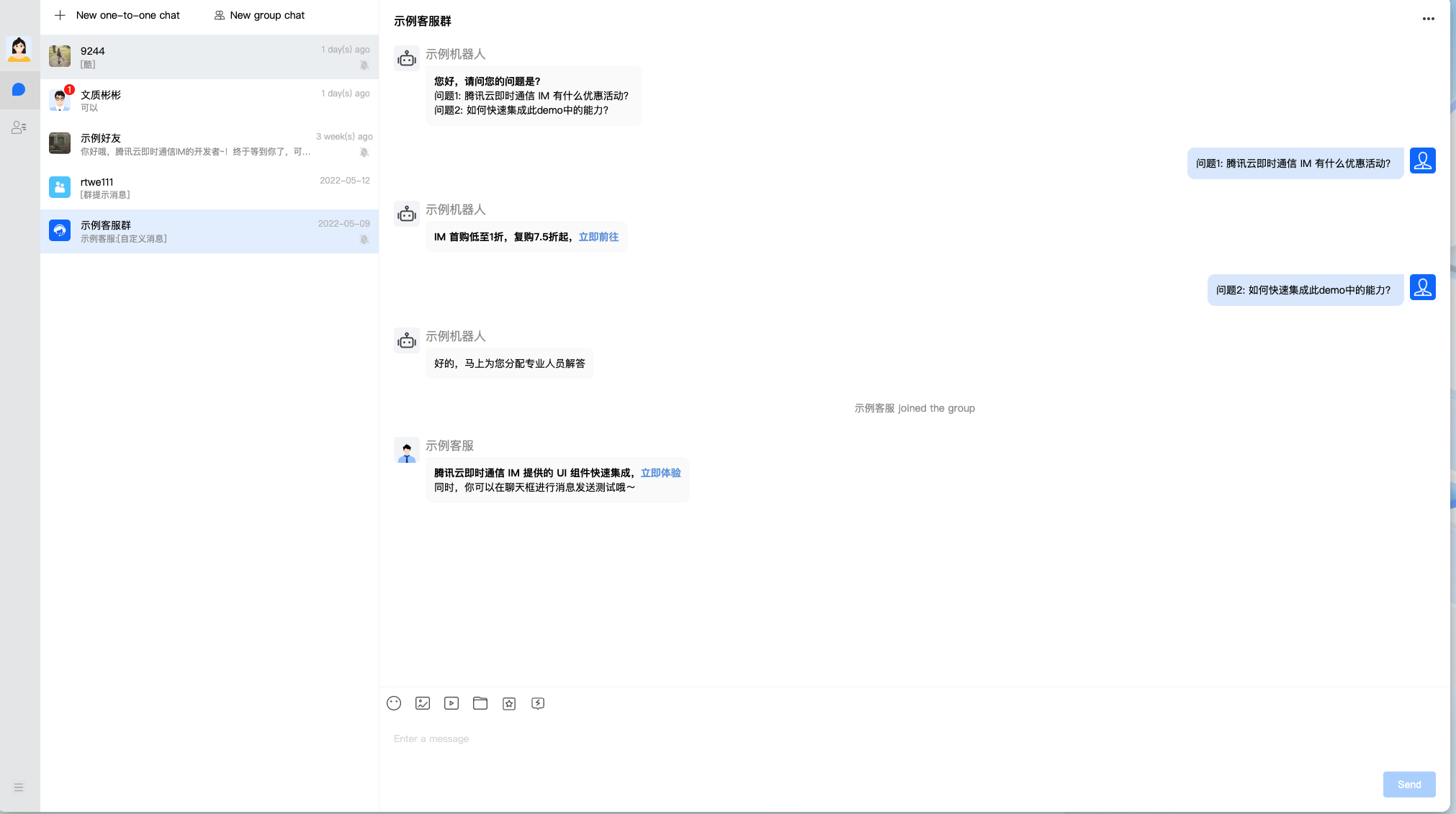
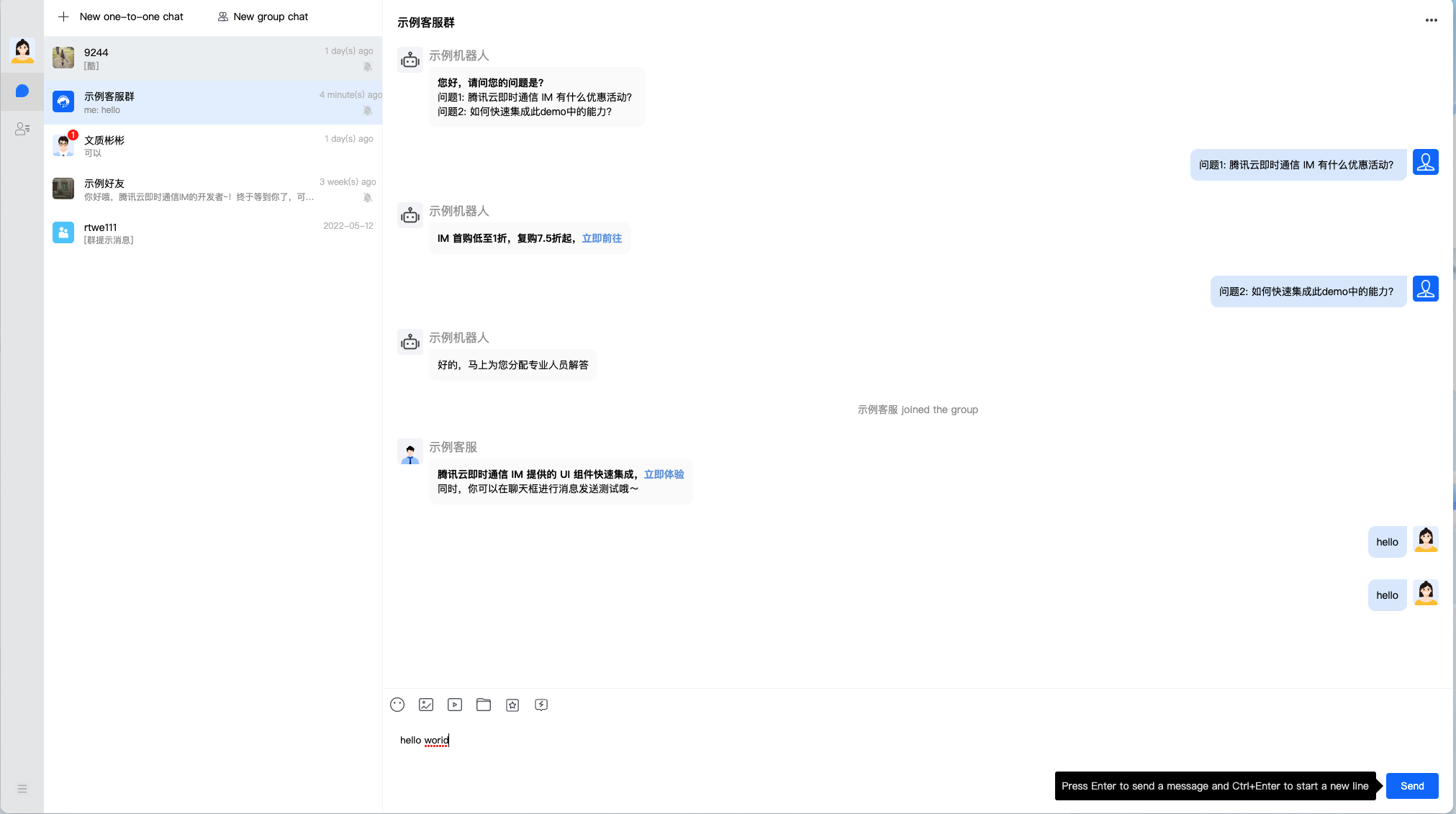
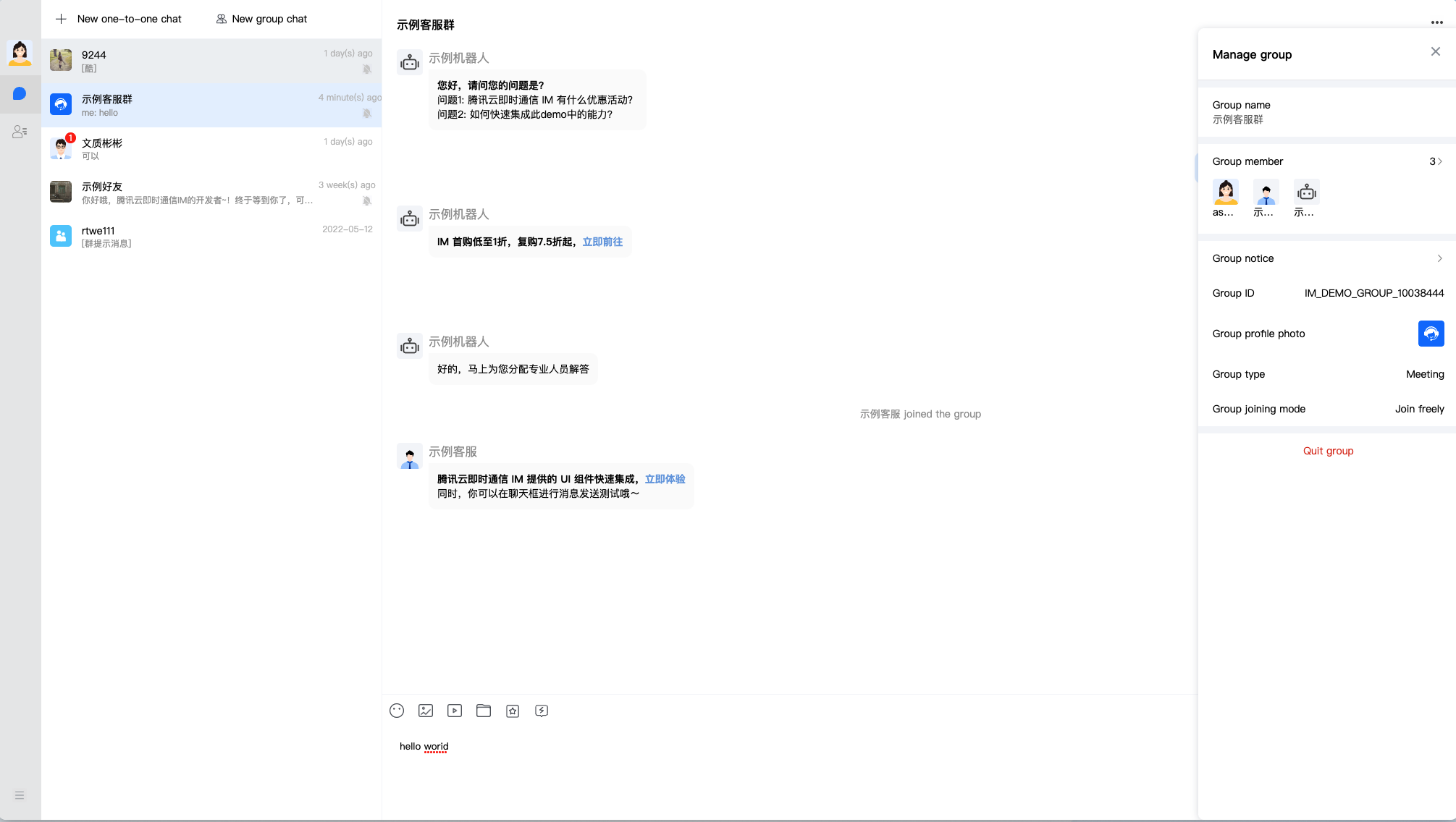
Chat management
| Message List | Send Messages | Manage Group Chats |
|---|---|---|
 |
 |
 |
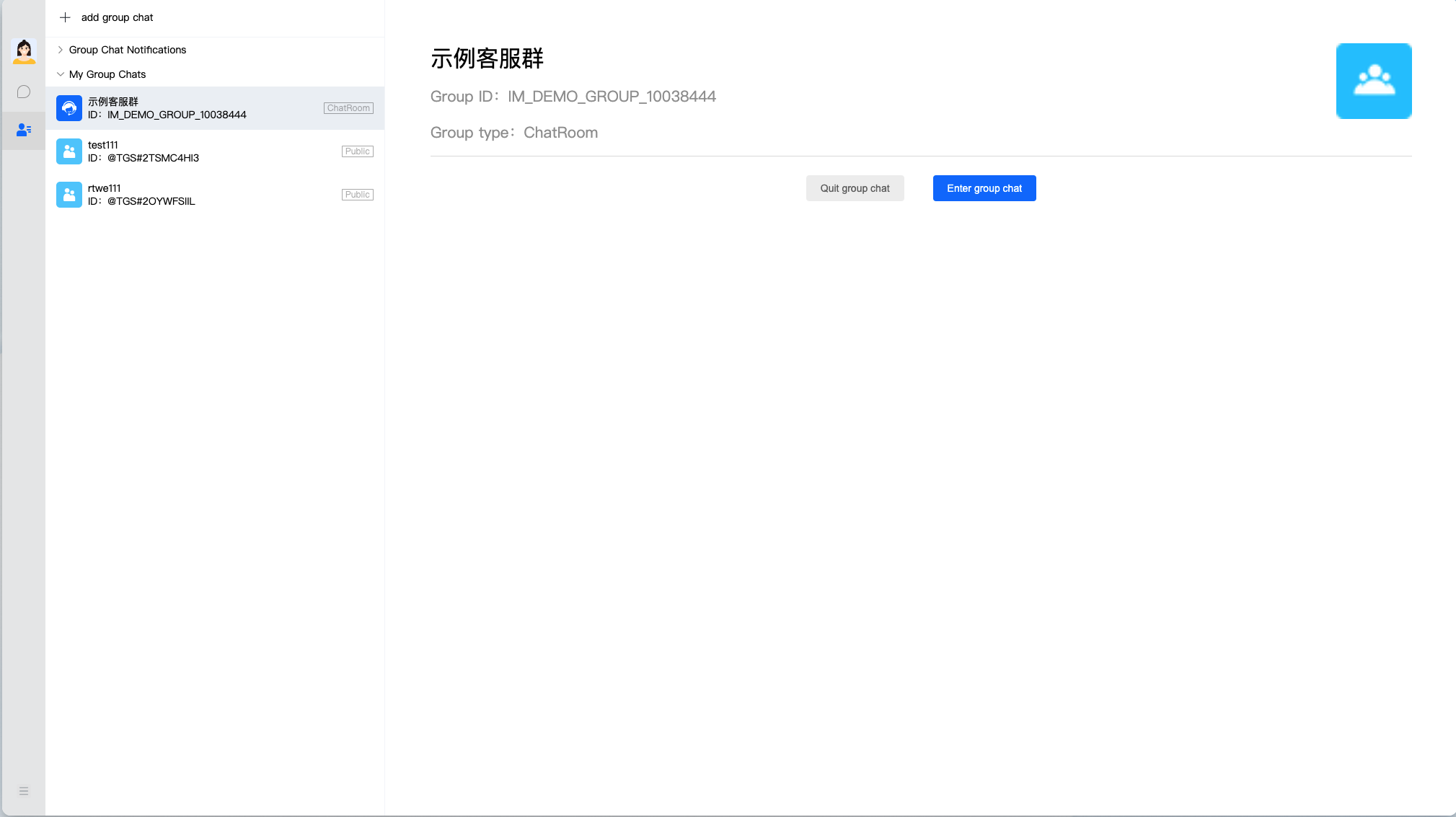
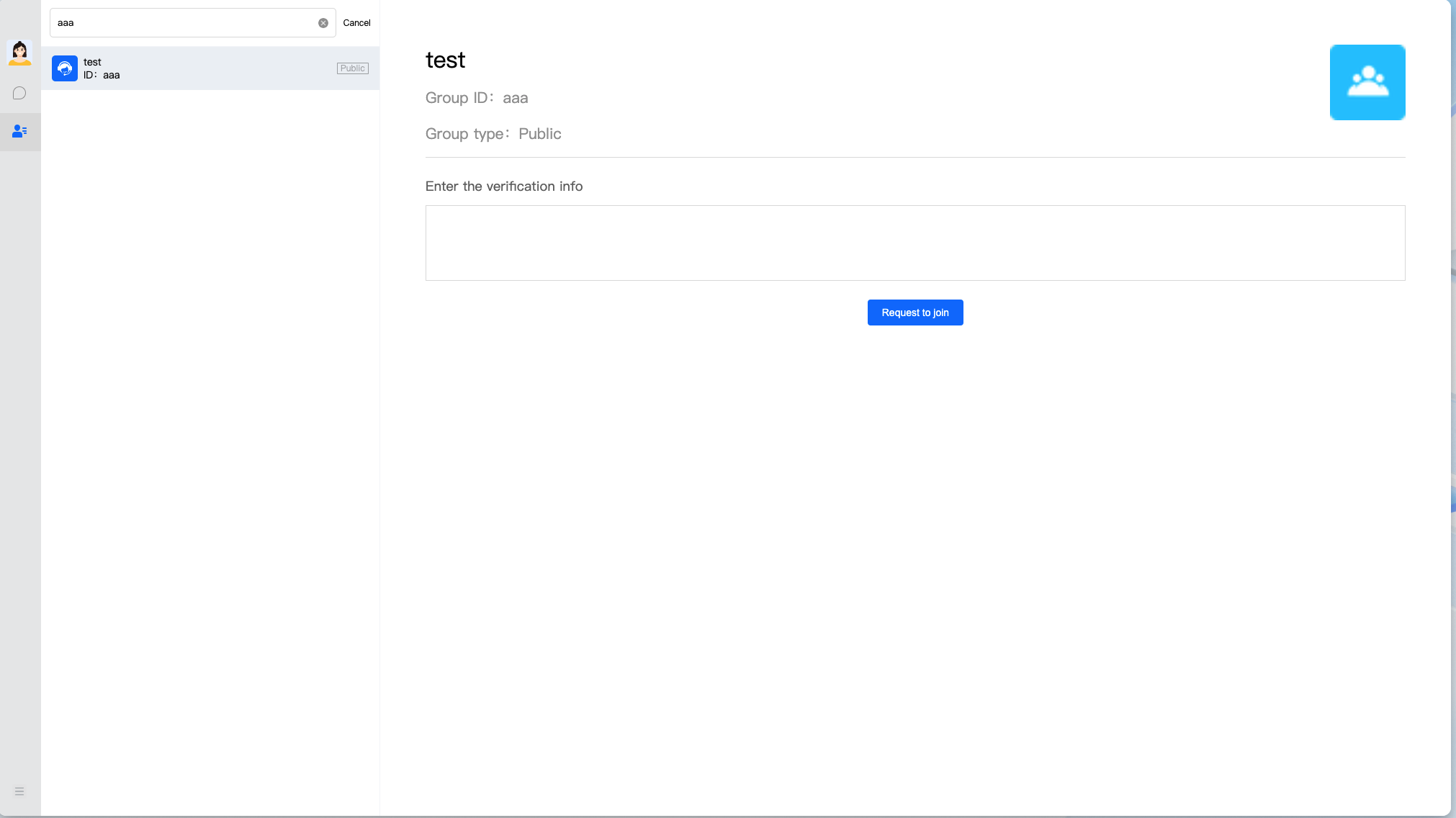
Group management
| Group Notifications | My Group Chats | Search for and Join a Group Chat |
|---|---|---|
 |
 |
 |
Profile management
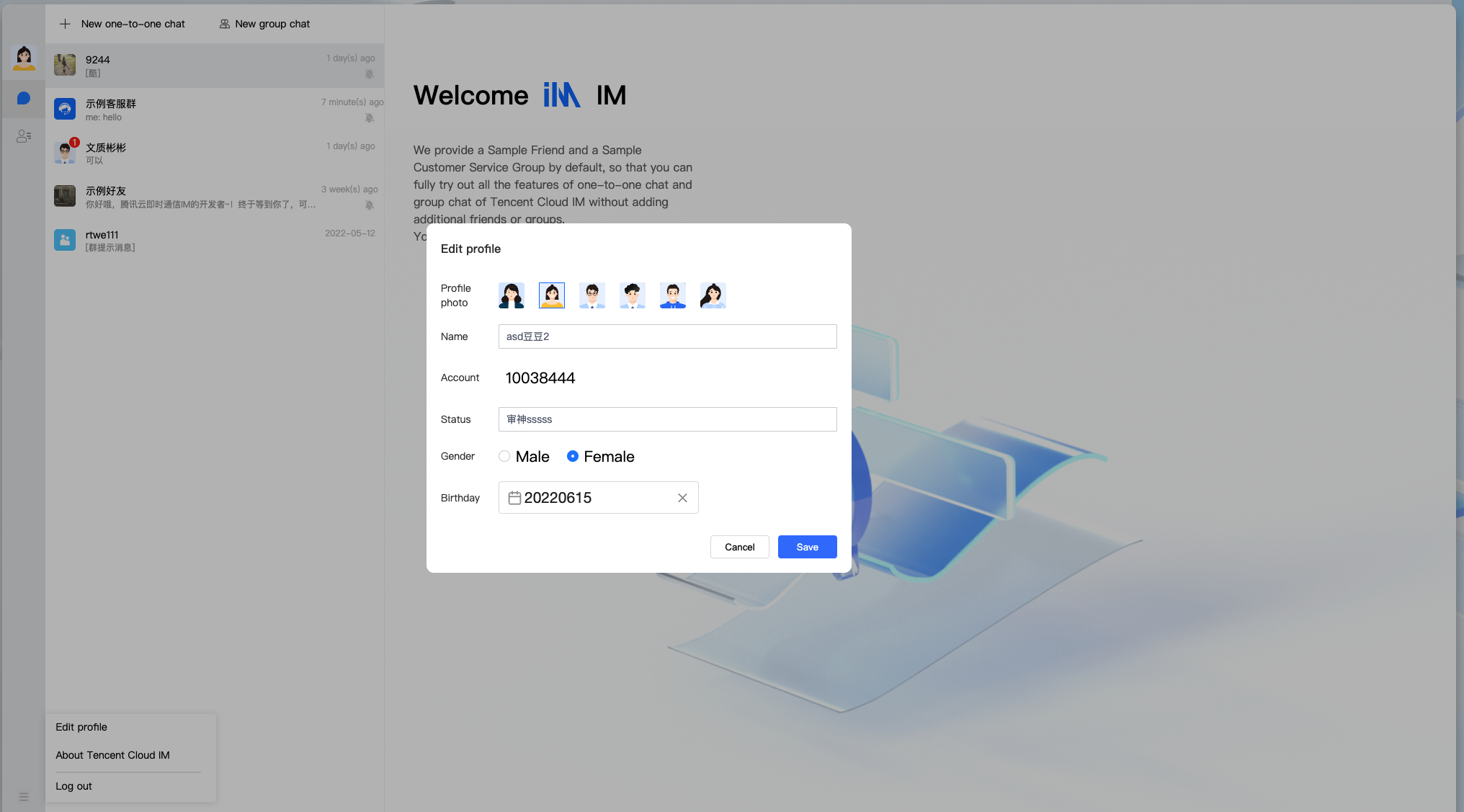
| Manage the Profile |
|---|
 |
| Feature | Description |
|---|---|
| Conversation management | 1. Initiate a one-to-one or group chat. 2. Display the conversation list. 3. Manage the conversation list. |
| Chat management | 1. Display the message list. 2. Send messages. 3. Manage group chats. |
| Group management | 1. Display group notifications. 2. Display and manage group chats that a user belongs to or owns. 3. Search for and join a group chat. |
| Profile management | Display and update the profile. |
Running the demo
Step 1. Download the source code
Download the SDK and matching demo source code.
# Run the code in CLI
git clone https://github.com/tencentyun/TIMSDK.git

# Go to the web project

cd TIMSDK/Web/Demo

# Install dependencies of the demo
yarn install

cd TIMSDK/Web/Demo/src/TUIKit

# Install dependencies of the TUIKit
yarn install
Step 2. Initialize the demo
-
Open the project in the web directory, and find the
GenerateTestUserSigfile via the path /debug/GenerateTestUserSig.js. -
Set required parameters in the
GenerateTestUserSigfile, whereSDKAppIDandKeycan be obtained in the IM console. Click the card of the target app to go to its basic configuration page.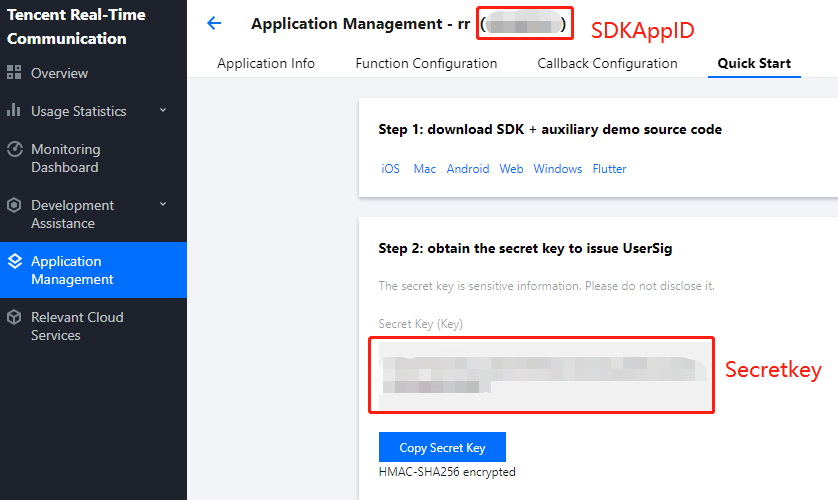
-
In the Basic Information area, click Display key, and copy and save the key information to the
GenerateTestUserSigfile.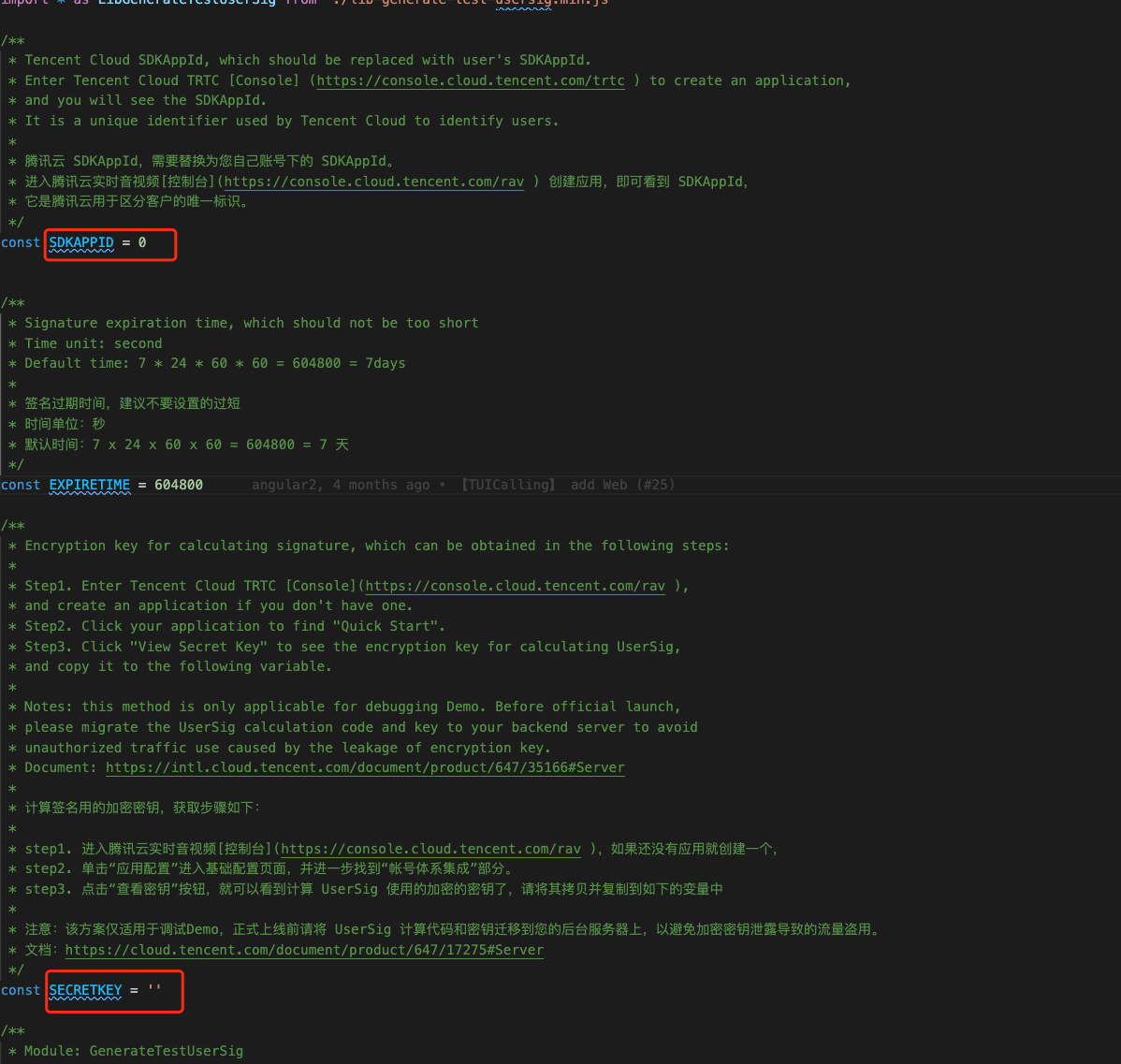
! In this document, the method to obtain
UserSigis to configure aSECRETKEYin the client code. In this method, theSECRETKEYis vulnerable to decompilation and reverse engineering. Once yourSECRETKEYis disclosed, attackers can steal your Tencent Cloud traffic. Therefore, this method is only suitable for locally running a demo project and feature debugging. The correctUserSigdistribution method is to integrate the calculation code ofUserSiginto your server and provide an application-oriented API. WhenUserSigis needed, your application can send a request to the business server for a dynamicUserSig. For more information, see the "Calculating UserSig on the Server" section of Generating UserSig.
Step 3. Launch the project
# Launch the project
cd TIMSDK/Web/Demo
yarn serve