 Tianwei Yue
5f86ab282b
Tianwei Yue
5f86ab282b
* fix: ding-dong requires uos

* 1.18.8

* fix: gcloud tutorial system dependencies:libatk-bridge2.0

* 1.18.9

* Update ding-dong-bot.ts

---------

Co-authored-by: Huan Li <zixia@zixia.net>
6.7 KiB
Getting Started with Wechaty
Let's get started!
Get your up and running quickly with Wechaty by this interactive tutorial.
This guide will show you how to setup and run our Wechaty ding-dong BOT. It'll also walk you through install all dependencies, run your bot up, and add a new feature to it.
Click the Start button to move to the next step.
What is Wechaty?
Before you get started, let's briefly go over what Wechaty can do.
Wechaty is a Conversatioanl RPA SDK for Chatbot Makers. It's well designed with an easy to use API, supports all OSs including Linux, OSX, Win32, Docker, and lots of IMs including WeChat, Whatsapp, WeCom, Lark, Gitter, etc.
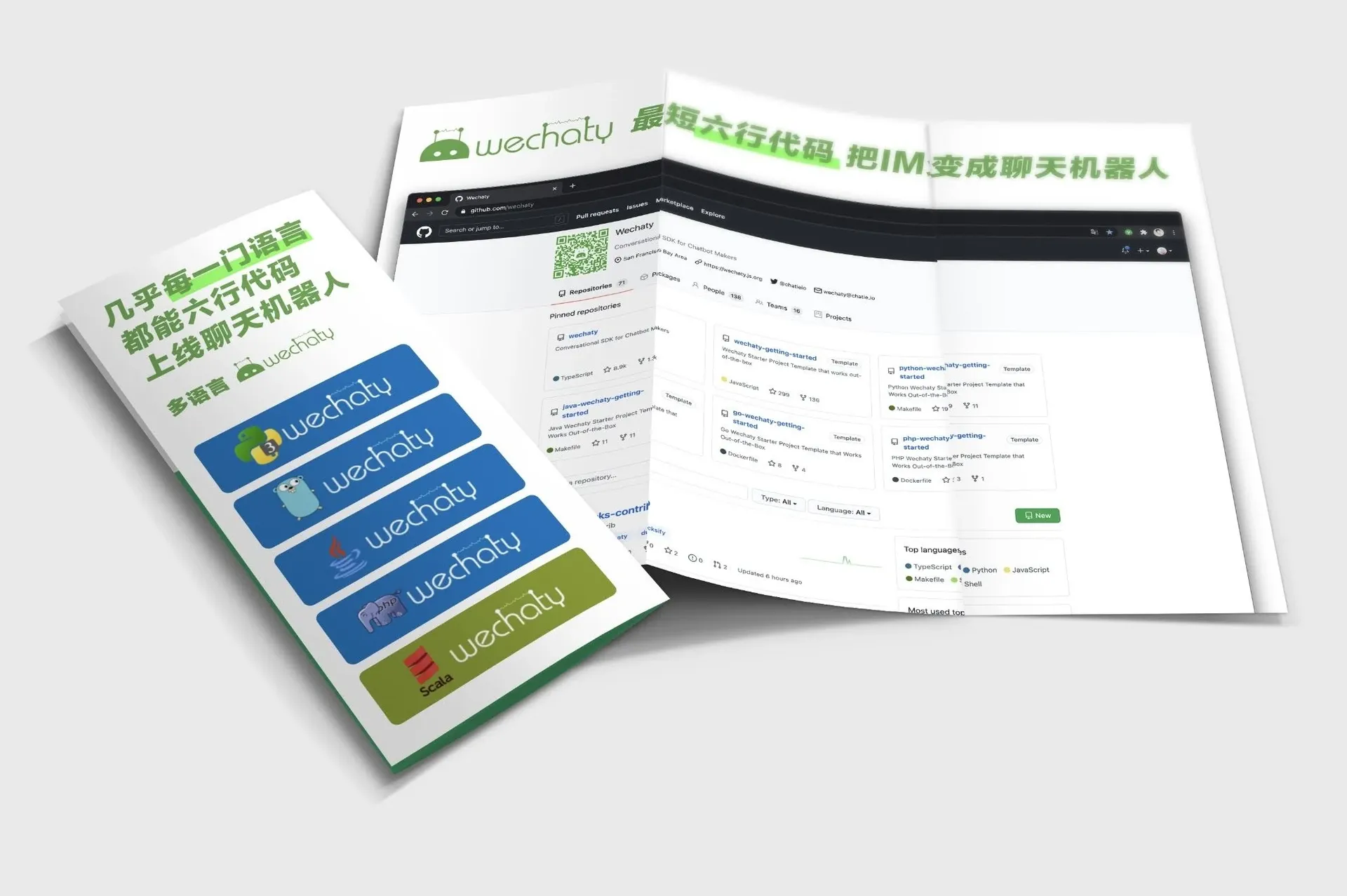
As a developer, you can use Wechaty to easily build your bot, effectively manage message sending/receiving, room creating/inviting, contact friendship, and delightful add artificial intelligence between users and your bot.
This repository should work out-of-the-box, and is the best start point for Wechaty beginners.
Continue on to the Next step to start setting up your chatbot.
Setting up developing environments
- Install Node.js v16+
- Git clone wechaty/getting-started repo
- Install system dependency packages
1. Install Node.js
Node.js has been pre-installed in Google Cloud Shell.
However, we need to upgrade Node.js to version 16+
nvm install 16
You should get a v16.13.0 output by running command node --version
2. Git clone wechaty/getting-started repo
Git Repo has been already cloned in Google Cloud Shell already.
3. Install system dependency packages
The puppeteer needs libgbm1 and libatk-bridge2.0 to be presented in the system, we need to install it first, run:
sudo apt install -y libgbm1 libxkbcommon-x11-0
sudo apt-get install -y libatk-bridge2.0-0
NPM Install
Let's install NPM packages, run:
npm install
The NPM system should help you to install all the dependencies by Wechaty, it will take 1 - 3 minutes.
After all dependencies have been resolved, we will be able to start our ding-dong BOT.
Click Next.
NPM Start
Let's start our ding-dong BOT, it's source code [examples/ding-dong-bot.ts] should have already opened in the editor.
If it's not opened yet, click Open to open it now.
Our npm start script is defined as ts-node examples/ding-dong-bot.ts. (ts-node is the node for TypeScript)
1. Get a Whatsapp login QR Code
To start our bot with Whatsapp, we need to define WECHATY_PUPPET as wechaty-puppet-whatsapp, run:
export WECHATY_PUPPET=wechaty-puppet-whatsapp
npm start
You should see our bot start generating logs and after a while, a QR Code will be printed.
You can use your Whatsapp to scan it to login your bot now.
2. Get a WeChat login QR Code
To start our bot with WeChat, we can define WECHATY_PUPPET as wechaty-puppet-wechat, run:
export WECHATY_PUPPET=wechaty-puppet-wechat
npm start
You should see our bot start generating logs and after a while, a QR Code will be printed.
You can use your WeChat app to scan it to login your bot now.
3. Play with your bot
Please play with your bot for a while now. Next we will add our first new feature to the bot.
Add a new feature
We received a new feature request!
“reply dongdong for dingding”
1. Requirement analysis
If you have finished the previous step, and login-ed successfully, then your bot will be able to reply a dong for any message send it as a ding, no matter which IM(Whatsapp or WeChat) your bot are working with.
Now we get a new feature request from our client: reply dongdong for dingding.
It will be a hard work but we will make it!
2. Code explaination
In our examples/ding-dong-bot.ts, you can find the onMessage function:
async function onMessage (msg: Message) {
  log.info('StarterBot', msg.toString())

  if (msg.text() === 'ding') {
    await msg.say('dong')
  }
}
Let's start working on it now.
3. Developing new code
We need to check the msg.text() for dingding when receiving messages, and use msg.say('dongdong') to replay!
if (msg.text() === 'dingding') {
  await msg.say('dongdong')
}
It looks great!
4. Final onMessage function
Let's put out new code into the onMessage function:
async function onMessage (msg: Message) {
  log.info('StarterBot', msg.toString())

  if (msg.text() === 'ding') {
    await msg.say('dong')
  }
  if (msg.text() === 'dingding') {
    await msg.say('dongdong')
  }
}
That's it! We have added 3 lines of code to implment our new feature. Do not forget to save the file changes to the disk.
Next up, starting our braning new ding-dong BOT!
Test new feature
We will start our ding-dong BOT again.
1. Select puppet to use by WCHATY_PUPPET
You can set WECHATY_PUPPET to either wechaty-puppet-whatapp or wechaty-puppet-wechat, depends where you want to test the bot.
2. Run
If you decide to use Whatsapp, run:
export WECHATY_PUPPET=wechaty-puppet-whatsapp
npm start
The ding-dong BOT should start outputing log messages, after a while shows you a QR Code for login.
Scan it on your phone, and then try to send dingding to the bot, you should receive dongdong instantly!
Enjoy your bot, and click Next when you like.
Congratulations
You're all set!
You have finished the Wechaty Getting Started Tutorial, and be able to run Wechaty in TypeScript, receiving and replying messages on Whatsapp and WeChat!
Congratulations to be a Wechaty developer now!
You can now start adding more features to our ding-dong BOT and have the bot working for your users with ease.
For a complete list of Wechaty Examples, refer to the Wechaty Examples Directory.
Conclusion
Done!
Learn more about Wechaty from our docs and blog, and join our Gitter network if you aren’t already a member!
Wechaty © 2016 - 2021